Reference guide
Multilingual restaurant menu: choose, translate and maintain languages
A useful multilingual menu first translates what guests need to choose: sections, relevant ingredients, allergens and offer details. Start with languages guests actually request, define a shared glossary and update every active version after a product or price change.
Translate a few dishes right away
To see what an accurate translation actually looks like on your own wording, the free restaurant-menu translator handles up to fifteen dishes, translating them from French into nine different languages, without an account and without keeping any of your data.
This guide deals with the question that comes next, and it is the only genuinely difficult one: choosing the right languages, and keeping every version up to date as the menu itself changes.
How should languages be selected?
Pay attention to the questions guests actually put to your staff, the languages spoken by the groups you welcome, and the tourist season. One well-maintained English menu brings more clarity than several incomplete versions in other languages.
In SimplyRestau, French is available on the Free plan, English on Essential, and up to 50 languages on Pro. This split needs to be compared against what the venue actually needs.
Which languages make sense for a restaurant in France?
English comes first almost everywhere: it is the language most international guests fall back on, whatever their own. Beyond English, the useful languages depend on where the venue is and who actually walks in, not on a generic list: a border town, a ski resort, a coastal campsite and a city-centre bistro do not welcome the same guests.
Rather than guessing, look at evidence the venue already has: the languages of its Google reviews, the countries of origin in its bookings, the questions staff are asked at the table, and the tourist-office figures for its area. Add a language when that evidence repeats over a season, not because a single group asked once.
- Start with French and English, kept fully up to date.
- Add languages gradually, as real demand appears.
- Prefer fewer complete languages to many partial ones: a half-translated menu sends guests back to the staff.
A single QR code for every language, or a printed menu for each?
A printed menu needs a separate version for each language, and each reprint multiplies the cost and the risk of an old price surviving in one of them. A multilingual digital menu works the other way round: a single address and a single QR code on the table serve every language, and the guest chooses theirs on the phone.
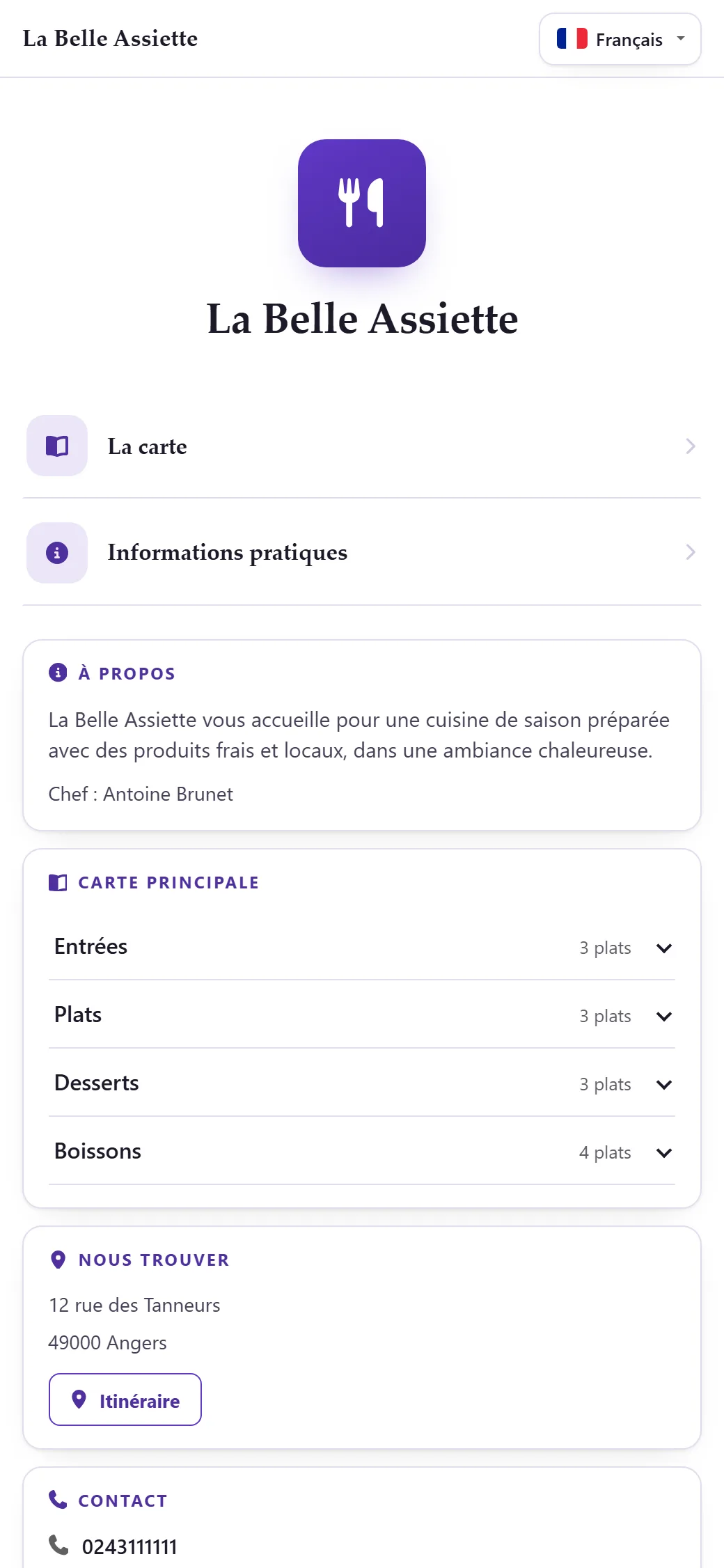
On a SimplyRestau menu, the language selector suggests the language of the guest's phone and lets them switch at any time. There is nothing to reprint when a language is added: the same QR code keeps working, and the new language appears in the selector.
What should be translated first?
- Sections: translate them — SimplyRestau translates them automatically — so that guests can find their way around the menu.
- Allergens: use reliable, consistent terms throughout, to avoid any ambiguity.
- Dish names: keep them in their original language — SimplyRestau does not translate them, because a house name often has no equivalent.
- Prices: keep exactly the same value, to avoid any discrepancy between languages.
How can versions stay aligned?
SimplyRestau does not offer a built-in review workflow: when a dish is edited, it is up to you to manually check every published language. Only editing the menu's or a section's name automatically regenerates its translation; the mere presence of a multilingual interface does not, on its own, guarantee the quality of the text.
- Stabilise the French record before starting any translation.
- Build a glossary of sections, cooking methods and other recurring terms.
- Have sensitive passages reviewed by someone genuinely competent in the target language.
- Publish every affected version within the same publication cycle.
- Check a sample of products from the guest's own phone.
How should common English difficulties be handled?
- Describe the dish rather than translate a culturally specific name word for word.
- Specify the cooking method whenever it actually affects the guest's choice.
- Use exactly the same term every time for a recurring ingredient.
- Avoid claims such as 'allergen-free' unless you have a process able to genuinely guarantee them.
- Proofread numbers, units and prices separately from the surrounding text.
What checklist should be used before publishing?
- Every visible section actually exists in each language announced to guests.
- No old price is left lingering in any translation.
- Allergens remain correctly attached to the right products.
- The links and buttons used to switch language work correctly on mobile.
- Someone knows exactly how to correct a translation: edit the source menu or section name so it retranslates automatically.
Frequently asked questions
Do the names of every dish need to be translated?
No. In SimplyRestau a dish name stays in its original language: a house name often has no equivalent, and the translated sections and allergens are enough for guests to find their way.
Is a machine translation good enough on its own?
It can help prepare a first draft, but culinary terms, allergens and any ambiguous wording still need to be reviewed carefully before publication.
How many languages should a restaurant menu offer?
As many as the venue can keep accurate, and no more. For most restaurants in France, French and English cover the majority of guests; a third language is worth adding when reviews, bookings or staff questions show a recurring demand.
Do I need a separate QR code for each language?
No. With a multilingual digital menu, a single QR code opens the menu and the guest picks their language in the menu itself. Adding a language later does not require reprinting the QR code.
Sources and review
Try SimplyRestau with your own menu
Start with a free menu and check the mobile result before choosing a plan.